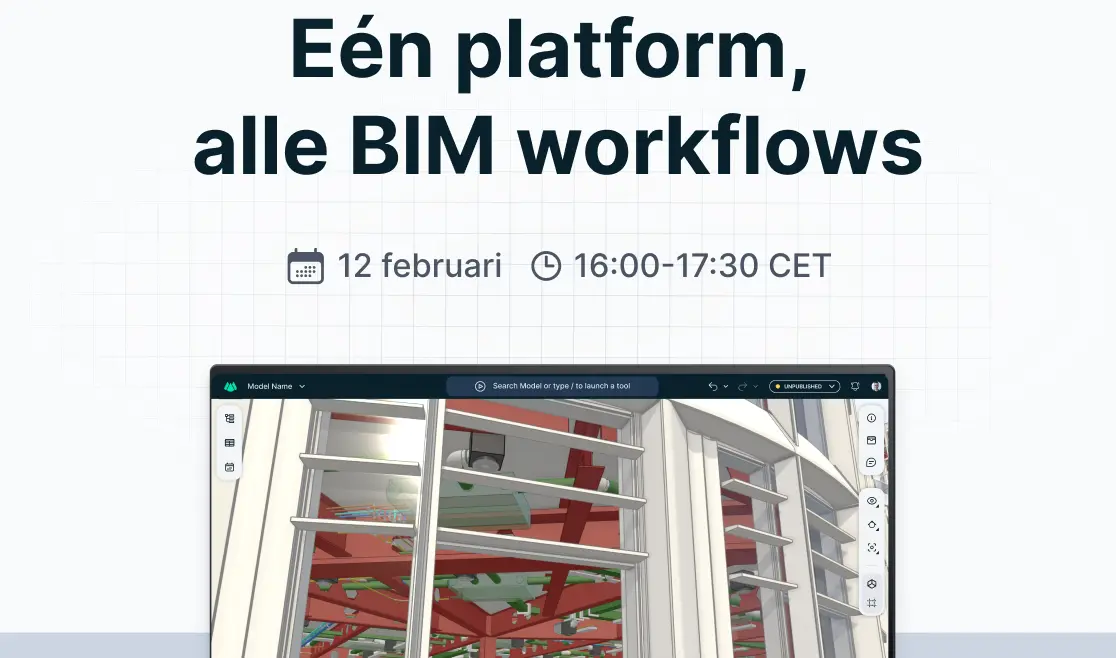
Discover everything that's changed in just two minutes, then jump straight into one of our sample projects.
▶️ Watch the 2-minute walkthrough
Don't start with an empty project
The easiest way to explore Qonic is through one of our sample projects.
Everything is already set up, so you can focus on discovering what's possible instead of configuring your workspace.
What you'll discover
🏢 Real projects
Explore complete BIM models you can inspect, edit and build from.
📄 Drawings
See how drawings are generated directly from the model.
📊 Reports
Browse ready-to-use quantity reports and project data.
🧭 Browse presets
Navigate large models instantly with predefined views.
📅 Planning
See how BIM data connects directly to construction planning.
Why start with a sample project?
Instead of spending time importing models or configuring your workspace, you can immediately experience how Qonic works.
Whether you're an architect, engineer or contractor, the sample projects are designed to help you discover the platform in minutes.
We’re also making significant progress on larger developments behind the scenes. While they’re not ready to share just yet, you’ll be hearing much more about them in the coming months.
Log in, explore the refreshed sample project, and let us know what you think.