
Martyn Day has been watching AEC software for longer than most people have been using it. In a recent conversation with Evan Troxel on the TRXL podcast, he addressed the elephant in the room that the AEC industry has ignored for too long. Watch the full interview here or read on for the part that stopped us.
"They've developed Revit for data sets that are a certain size. And then over time they end up with customers building more and more... it gets worse and worse."
- Martyn Day, Editor, AEC Magazine
That's not a complaint but a structural observation. And it explains something most BIM users have felt for years. The model grows, but the software doesn't.
The Revit parametric bottleneck
Every time you make an edit in a traditional BIM tool, the engine checks every connected element in the model to see whether your change has consequences elsewhere. A door moves: it checks the wall, the annotation, the schedule, and the linked model. That's what parametric modelling promises. The problem is that this checking never stops. As your model grows, the number of things to check grows with it.
Martyn described the mechanism precisely:
"Revit is constantly trying to check the parametrics of every single part to see if any edit you made has got any kind of follow on. So it's constantly in this high process state."
- Martyn Day, Editor, AEC Magazine
This is why the same software that felt fast on a small residential project crawls on a large mixed-use scheme. The architecture didn't change but the data set grew. And there's no patch that fixes this ceiling; you'd have to rebuild the house.
Browser-Based BIM: a faster alternative
Qonic is a browser-based BIM platform built around open IFC. It doesn't work the same way. Qonic triggers smart relationships only when you need them, applies the edit, and then cleans up after itself. By applying intelligence on demand rather than across the whole file at once, the geometry stays lean and fast. It’s BIM that feels effortless, even at scale.
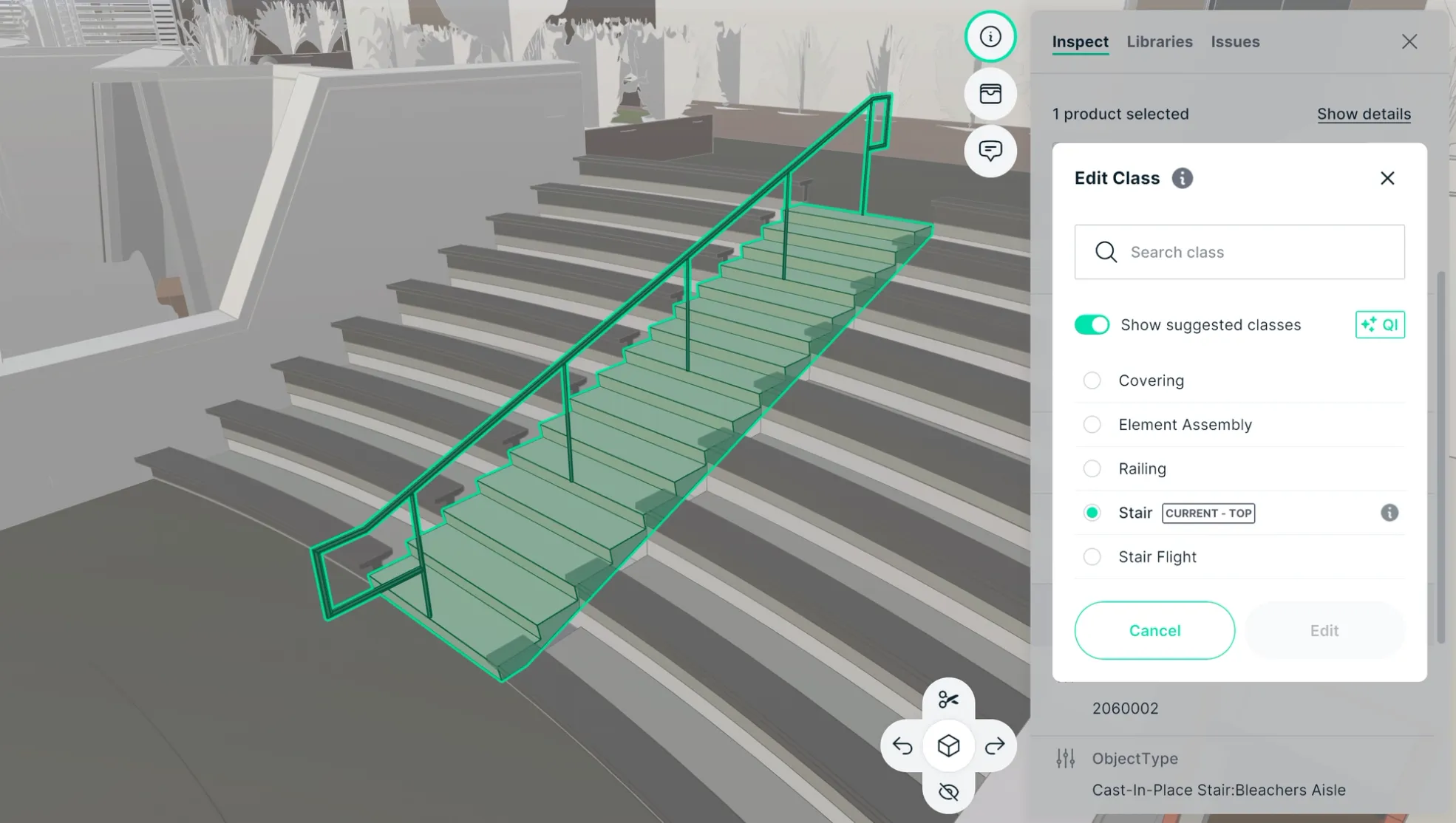
Martyn called it "chalk and cheese." Not an incremental improvement. A different starting assumption about how a model should behave.
The numbers tell the real story. We’re talking about a model that usually gives you enough time to grab a coffee while it loads in 40 seconds, suddenly snapping to life in 3 seconds right in your browser. When a week-long clash detection cycle shrinks to thirty minutes, or a 24-hour cleanup job is done by lunch, you aren't just 'optimizing' anymore. That’s what happens when you get the architecture right from the start. You stop wasting time on patches and workarounds because the foundation can actually handle the load. It changes how a project moves forward.
Managing large AEC data sets
What Martyn also noticed is that Qonic didn't start by optimising for small models and then try to scale. It was built from the start to ingest large datasets and process them quickly for openBIM coordination and modelling.
"They've started off with just this ability to ingest everything and fly at huge FPS numbers. And then you just fly into the building, you fly up into the one object, and then you start modelling."
- Martyn Day, Editor, AEC Magazine

The future of IFC-native BIM architecture
The AEC industry has largely accepted slow software as normal. Long load times, process-heavy edits, and hardware upgrades as a substitute for better tools; these have become background noise but they shouldn't be. At some point on every large project, the software stops keeping up. That's not bad luck, that's the ceiling. The interesting question isn't how to raise it, it's what happens when you design a tool without one. Qonic is one answer. Browser-based BIM built on open IFC, fast by design, not despite it.
Curious how Martyn put it in his own words? Watch the full conversation with Evan Troxel on YouTube. Or see for yourself how Qonic opens in your browser without installation. Try it for free at app.qonic.com.
FAQ - Questions this article raises
Why does BIM software get slower as models get bigger? Most BIM tools use a parametric engine that checks every connected element in the model each time an edit is made. As model size grows, so does the processing load. It creates a performance ceiling that gets harder to ignore on large projects.
What is browser-based BIM and how does it work differently? Browser-based BIM runs entirely in a web browser with no software installation. Platforms like Qonic are built around open IFC from the ground up, designed to handle large models at high speed across any device without the parametric overhead of traditional desktop tools.
How much faster is Qonic than traditional BIM tools in practice? A model that takes 40 seconds to load in legacy BIM software opens in 3 seconds in Qonic, in a browser with no install. Clash detection cycles that typically take seven days complete in thirty minutes. Model cleanup that takes 24 hours takes three.
What does IFC-native mean and why does it matter? IFC-native means the platform is built around the open IFC standard from the ground up not as an import/export layer over a proprietary format. Geometry, data structure, and metadata travel through the workflow intact, without manual cleanup or translation loss.
Is there a practical alternative to traditional BIM tools for large project coordination? Yes. Qonic is built to handle the scale that traditional tools can’t. While legacy software often hits a performance wall with federated models, Qonic enables lightning-fast coordination, modeling, and data management directly in your browser. Qonic offers the professional depth of a BIM tool with the speed and accessibility of the cloud.