You model. Agents scale.
The fastest agentic BIM platform to model, coordinate and deliver.
Trusted by teams worldwide
- https://www.brusselsairport.be/en/real-estate
- https://www.furnibo.be/
- https://www.denys.com/
- https://grimshaw.global/
- https://www.takenaka.eu/en/
- https://www.stadsbader.com
- https://cordeel.eu
- https://b-b.be
- https://www.bekaert-bbc.be
- https://www.ibs-bouw.be/
- https://www.ingenium-group.be/
- https://www.hye.be/
- https://www.willemen.be/
- https://www.cofinimmo.com/
One live BIM workflow
Bring every model together. Edit geometry and data directly.

Model freely
Direct and object modelling, together. No switching tools.
Components
Create reusable components that stay consistent wherever they are used.
No per-seat pricing
Unlimited users with pricing based on project, not every seat.
Work together
Work in parallel model versions. Review and integrate approved changes.
How teams use Qonic
Human when it matters, AI when it helps
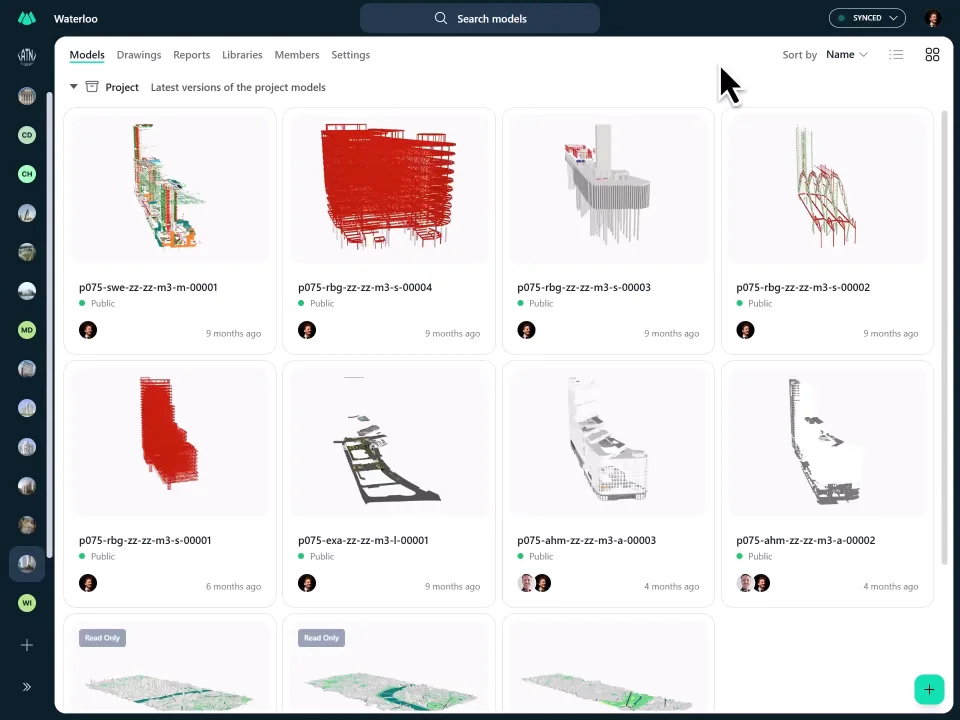


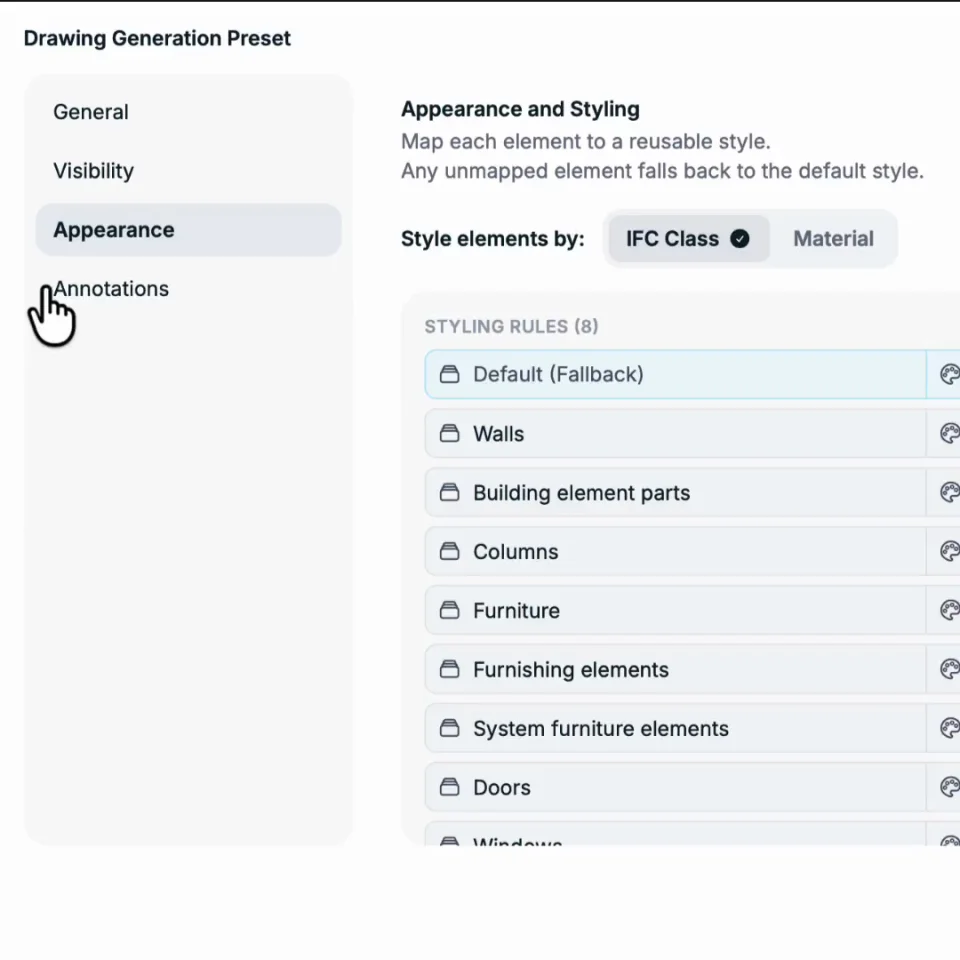
Qonic AI
Agents that find, check and update the model
Qonic AI understands the model, compares what changed and fixes it directly — with a receipt for every edit.
-
98%+
classification accuracy based on more than 8 million real-world BIM objects
-
15,000+
doors updated across Revit models, in minutes
-
openBIM
buildingSMART award winner
Ask Qonic
Hey, here's what I can help with today:
Ask anything
Built for every seat at the table
Leave the file handovers behind
The fragmented way
- Waiting for a licence just to open a model
- Rebuild the model elsewhere to validate it
- Switch tools when design becomes BIM
- Use AI as another disconnected layer
- Lose momentum when models get large
- Work scattered across five tools, synced by hand
The Qonic way
- Open a project instantly, no licence required
- Check and improve the model you already have
- Model freely and structure BIM side by side
- Ask Qonic AI to find, check and change the work
- Handle massive models without the lag
- Keep geometry, data, issues and decisions connected
Frequently Asked Questions
What is Qonic and how does it work?
Qonic is a cloud-native BIM modelling and coordination platform that runs directly in your web browser. It enables users to create, edit, and manage BIM models using an IFC-based structure without complex installations or expensive hardware. Built for collaboration, Qonic supports the full building lifecycle: from design to construction to asset management.
Who is Qonic for?
Qonic is for anyone involved in building projects: designers, contractors, clients, and owners. Whether you're creating geometry, validating data, generating quantities, or managing assets, Qonic supports your workflows.
Does Qonic support IFC editing and validation?
Yes. Qonic is fully IFC-native, allowing direct editing, validation, and enrichment of IFC data across all project models and disciplines.
How is Qonic different from Revit or Archicad?
Revit and Archicad are authoring tools, whereas Qonic is a lightweight, cloud-based collaboration and data-management platform. It complements these tools by removing file-based limitations, streamlining multi-disciplinary coordination, and eliminating performance bottlenecks.
Does Qonic support other BIM tools?
Yes, Qonic integrates seamlessly with Revit, Rhino, and others via IFC and its open API.
Try Qonic
Ready to model, coordinate and deliver?
No licence required · Unlimited project users